

Web chat widget
Embedding the web chat widget requires adding a script snippet, configuring settings and observing visitor interactions.
Enable web chat
On the channels setup wizard at /app/channels?onboarding=1 you can turn on web chat. The wizard prompt reads "Which channels do you want to set up?" and the note reads "Pick everything you plan to use, you can add more later." Web chat is free and does not require a phone number.
Embed the widget
When web chat is enabled the settings expand to show an embed snippet and a copy button. Vanty generates a public token that starts with web_ followed by 24 characters. The token is not a secret and uses the same trust model as an Intercom app id. The token remains the same when you change widget settings, so an embed already installed on your site keeps working.
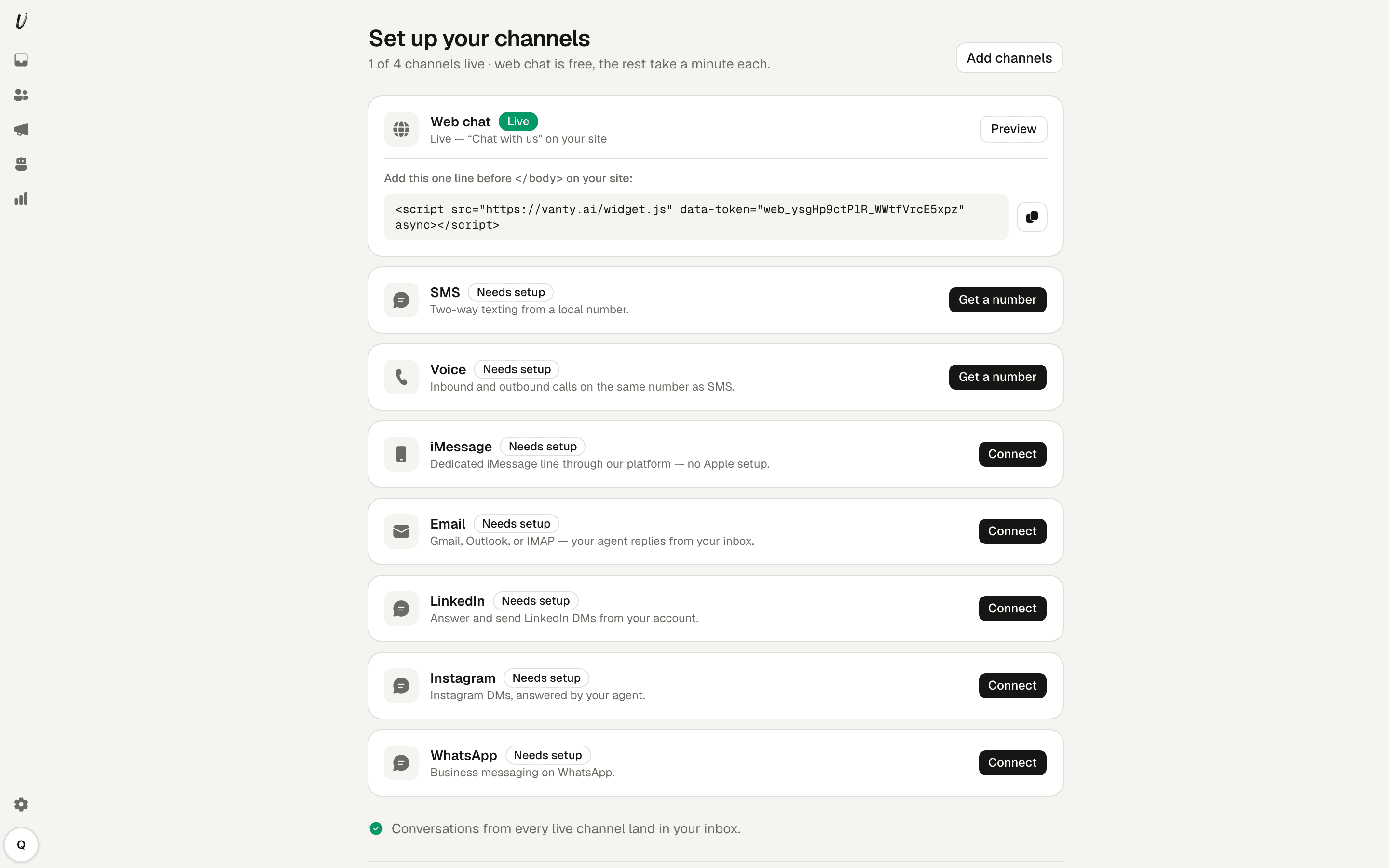
Use this one-line snippet before the closing </body> tag on your site:
<script src="https://vanty.ai/widget.js" data-token="web_YOURTOKEN" async></script>Configure widget settings
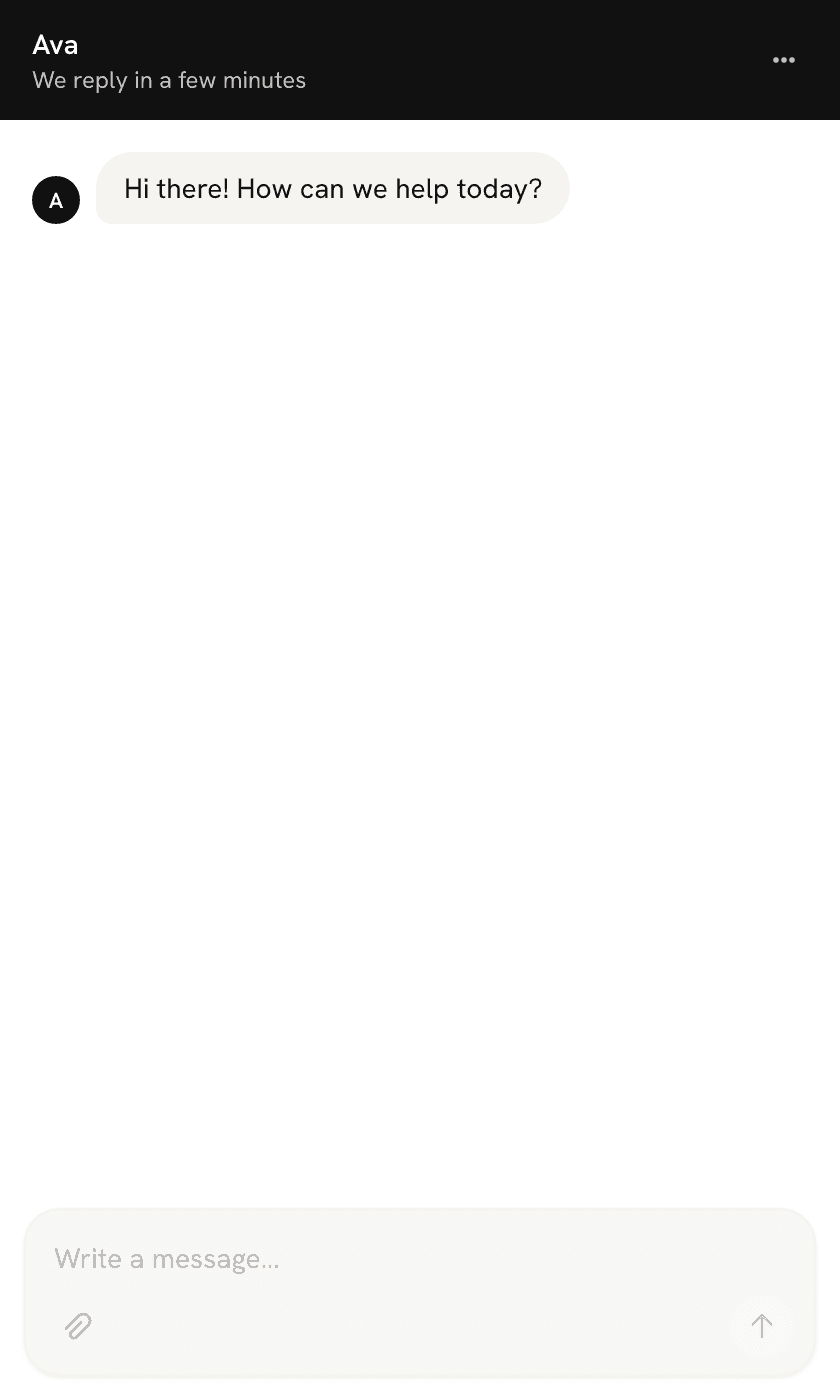
The snippet requires a data-token attribute. Optionally add data-color with a hex value to set the launcher bubble colour, for example data-color="#0b5fff". In Vanty you configure three settings: the widget name, greeting and accent colour. The name must be 1 to 80 characters and defaults to "Chat with us". The greeting must be 1 to 300 characters and defaults to "Hi there! How can we help today?". The accent colour defaults to #111111.
Visitor experience
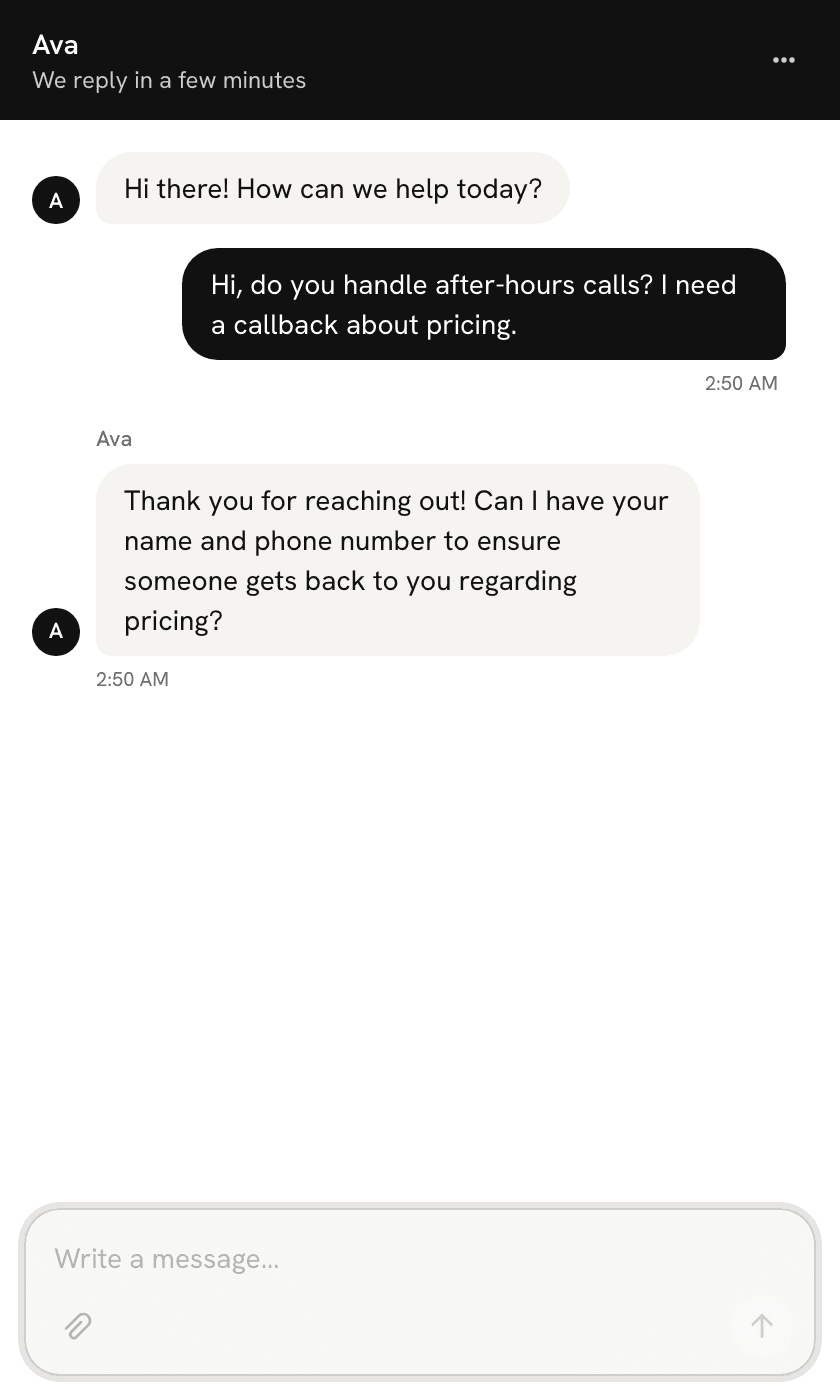
The widget assigns each visitor an anonymous key stored in their browser. The launcher appears in the bottom right of the page and cannot be moved. The header, the greeting avatar and every reply avatar show your agent's name, falling back to the widget name if you have not assigned an agent. A visitor can attach images and PDFs up to 10 MB each and up to five files per message. Visitor messages are capped at 2000 characters and over-length messages prompt Please keep messages under 2000 characters. Returning visitors resume the same conversation unless they choose "Start new conversation" from the widget menu, which closes the current one; the next message opens a new conversation.
Limits and fixed position
When too many messages arrive in a short window visitors see Chat is busy, please try again in a few minutes. The widget remains fixed in the bottom right of the page.