

Inbox
Manage all conversations from every channel in a unified view with controls for handling messages and calls.
Unified conversation list
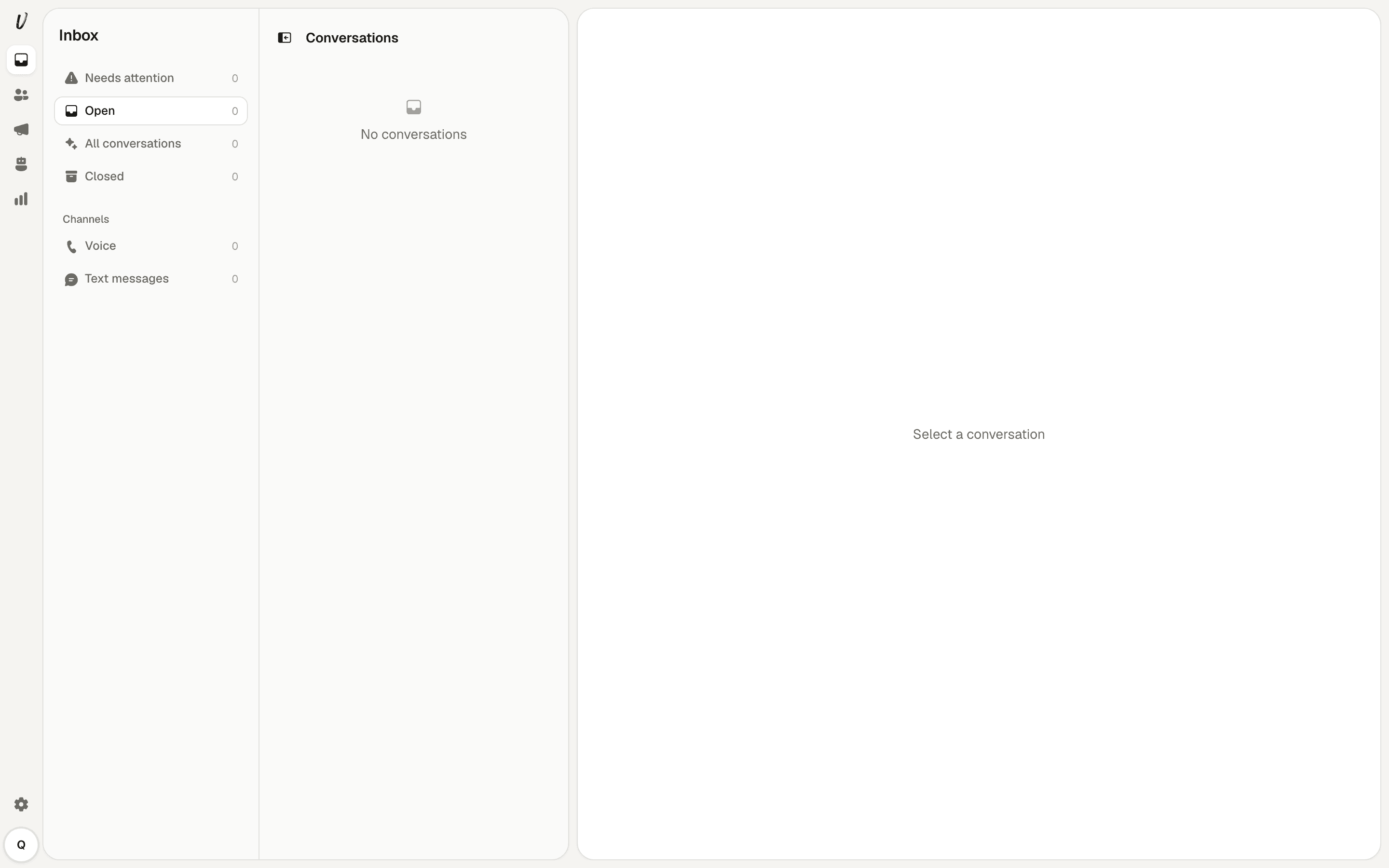
The inbox at /app/inbox shows every conversation from every channel in one list. A sidebar offers the views "Needs attention", "Open", "All conversations" and "Closed". Under a Channels heading you can filter by "Voice" or "Text messages". The inbox opens on "Open".
Closing and reopening conversations
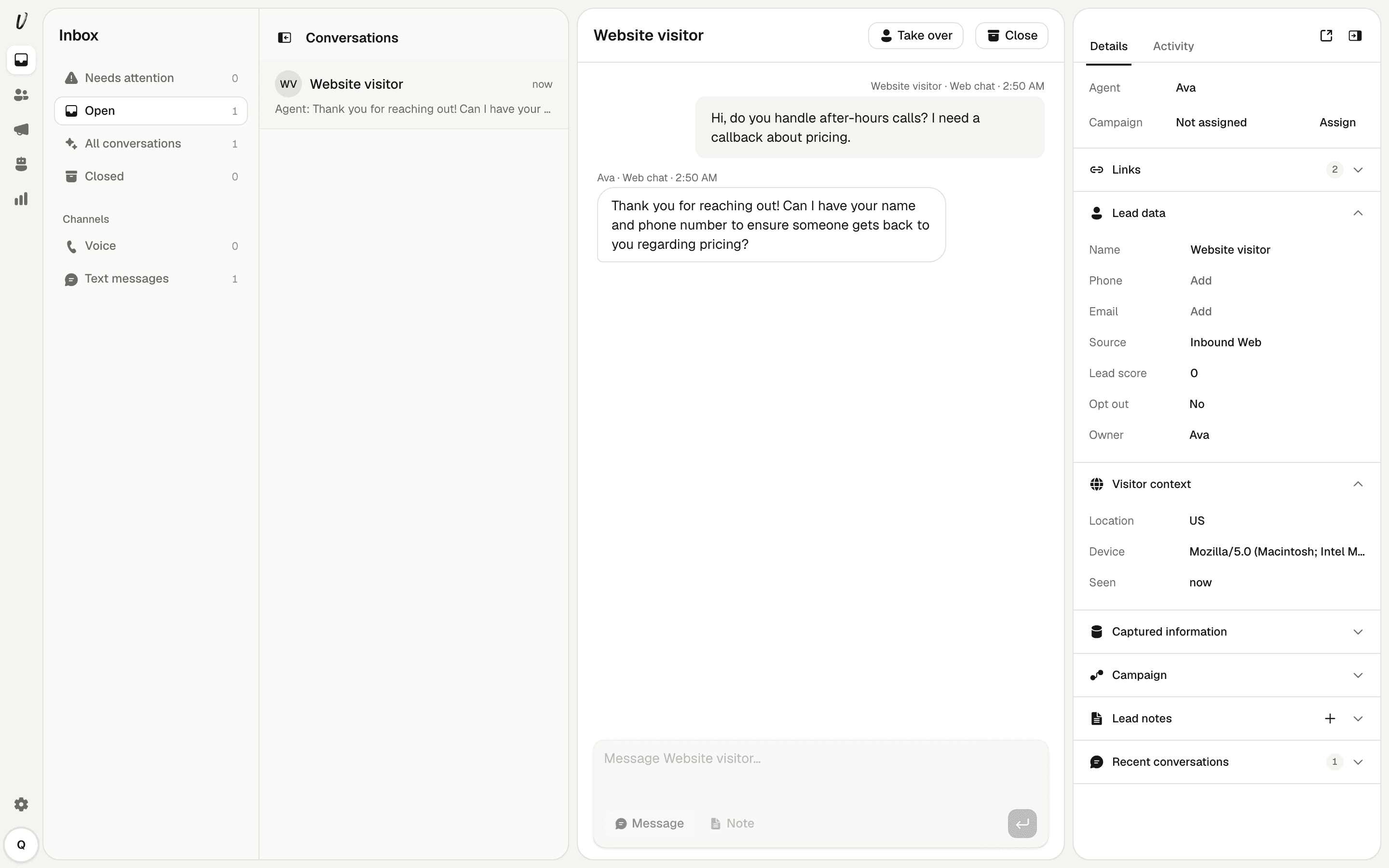
A conversation is either open or closed. While open the header button reads "Close". After you close a thread the button changes to "Reopen". Closing a thread moves it out of "Open" into "Closed". Reopening returns it to "Open".
Human takeover and hand back
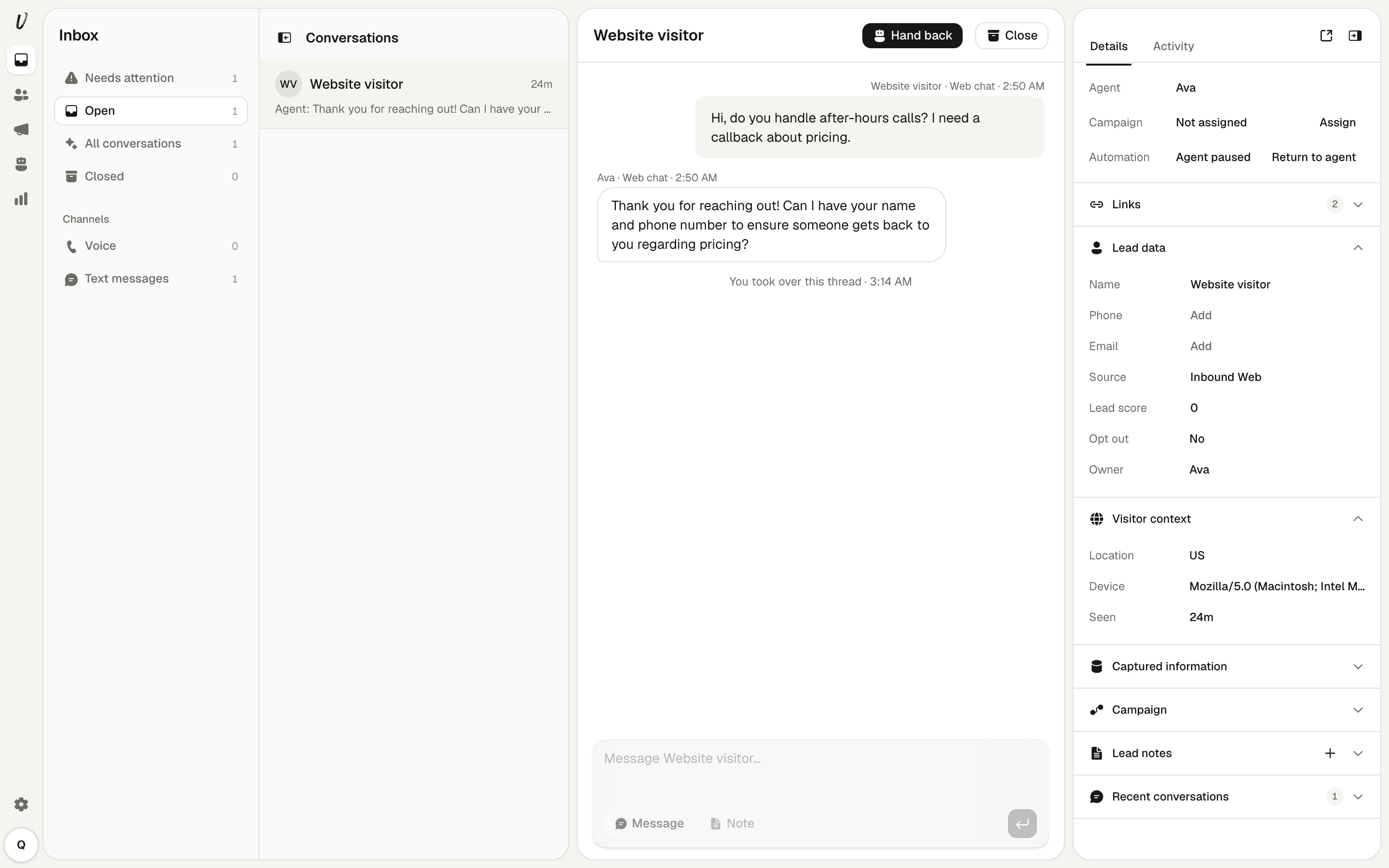
When the agent is handling a conversation you can press "Take over". This stops the agent from replying, moves the conversation into "Needs attention", writes "You took over this thread" into the transcript and switches the side panel to "Automation, Agent paused". After you take over the button reads "Hand back". Pressing it returns control to the agent and resumes automated replies.
Reply delay for web chat
Replies you send to a web chat visitor take about twelve seconds to appear because the widget polls for new messages rather than using live streaming.
Call handling and recording
Live phone calls cannot be transferred to a person mid-call.
Calls are not recorded. After a call ends a written transcript is stored and posted into the conversation.