

Phone numbers and SMS
Details on acquiring and assigning a phone number for voice calls and SMS and how messages appear in the inbox.
What one number provides
A single phone number handles both voice calls and SMS. Inbound calls route into Vanty's calling infrastructure and inbound texts route to Vanty's webhook. A number without a receptionist agent cannot answer calls. The product displays "{number} is ready, assign a receptionist agent in Settings to answer calls" until you assign one.
A workspace can hold only one phone number.
This workspace already has 1 phone number, the current limit. Release a number before buying another, or contact support to raise the limit.
Search and purchase
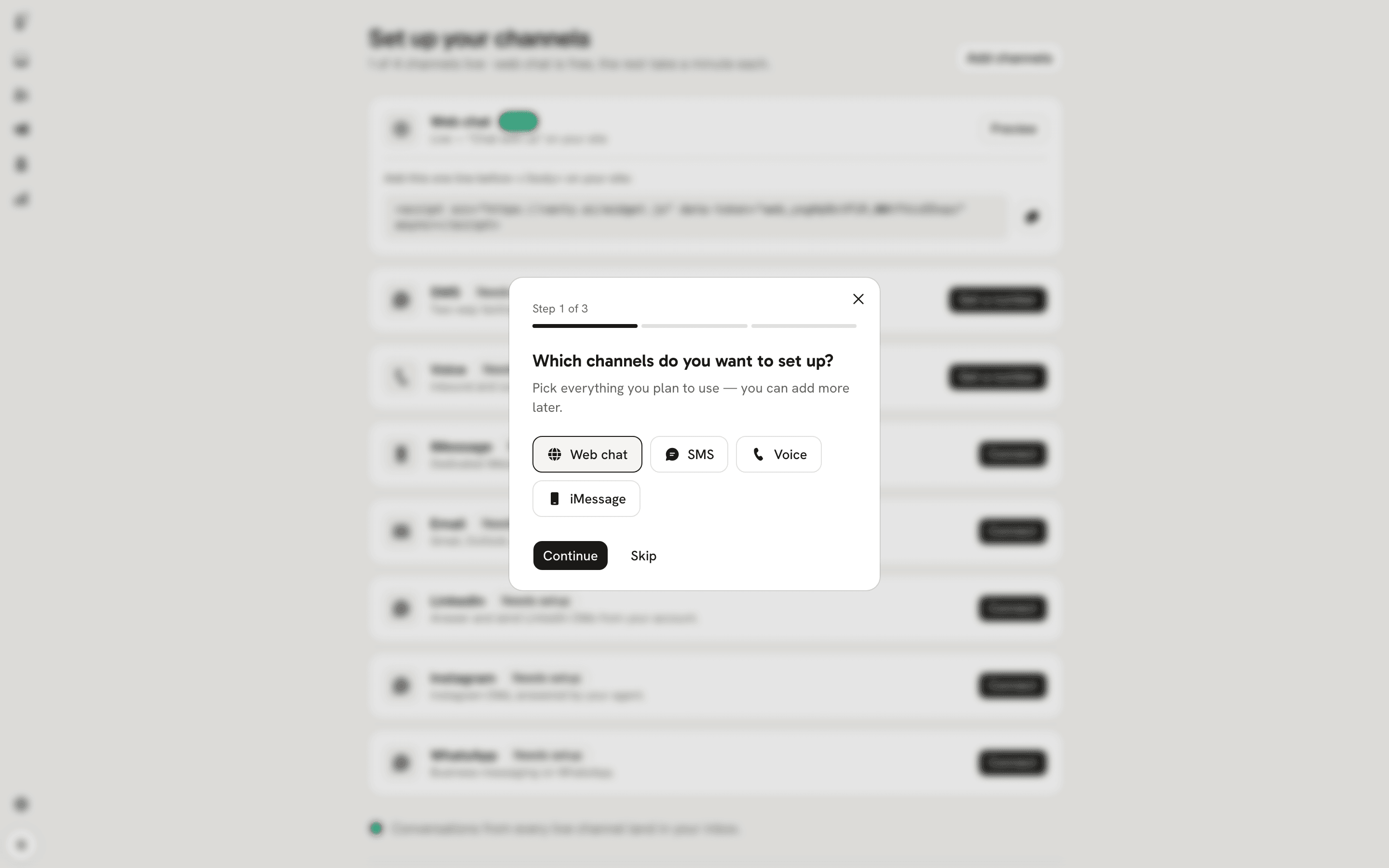
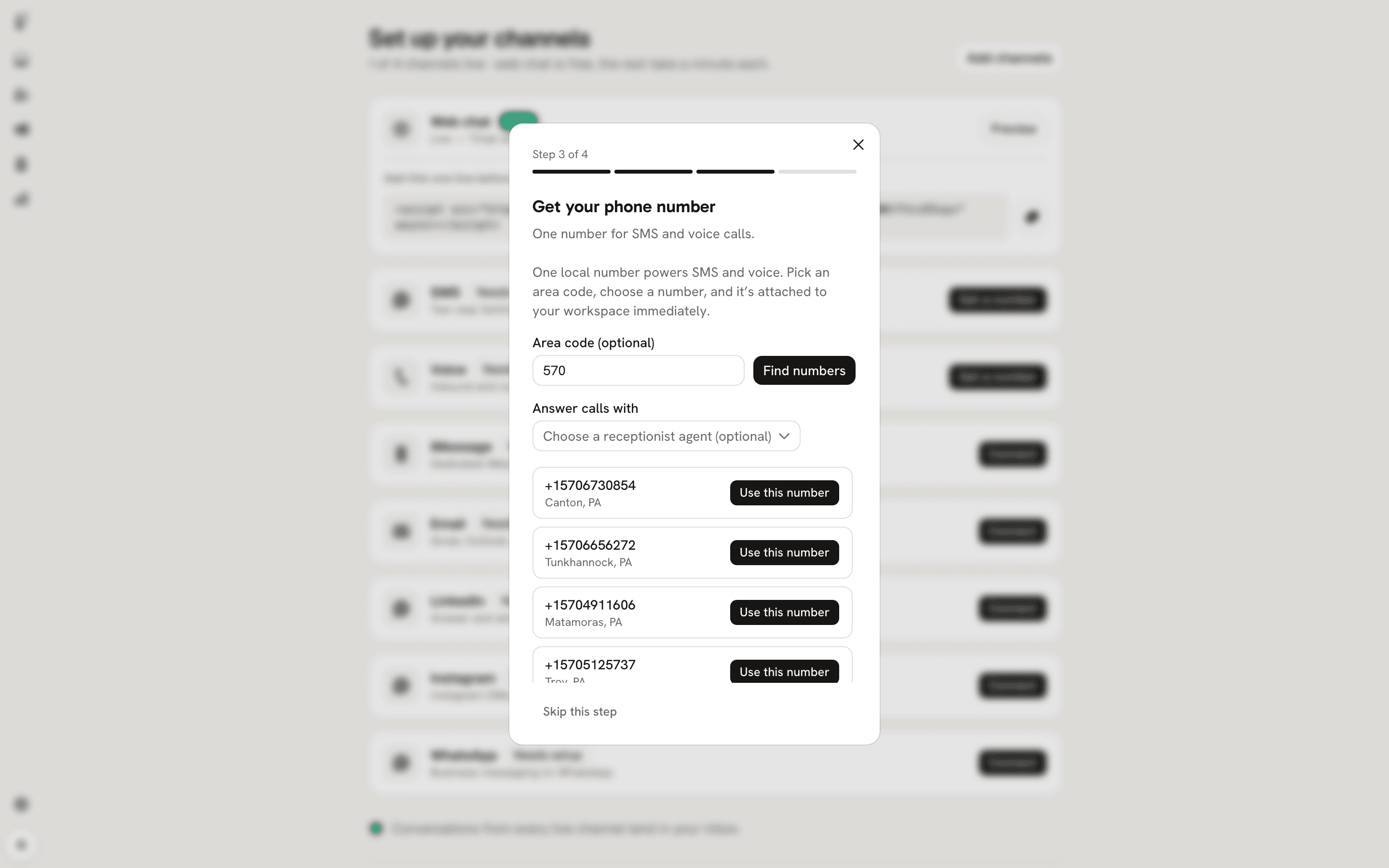
In the channels setup wizard at /app/channels?onboarding=1 the phone step is headed "Get your phone number" with the subtitle "One number for SMS and voice calls." Use the search field to find United States local numbers and narrow results by area code.
Choosing a number completes the purchase straight away. There is no confirmation step, and the number is billed to your workspace from that moment.
When you select a number the purchase succeeds immediately and both SMS and voice are enabled. Buying a number requires a completed billing setup; if billing is not set up the purchase is refused.
Assign an agent and view messages
After purchase the number attaches to your workspace. In Settings assign a "Receptionist" agent to answer calls. Only agents of type "Receptionist" can be assigned to a number for voice.
Incoming SMS appear in the inbox under the "Text messages" channel alongside other conversations. Voice call transcripts appear in the conversation thread after each call ends.
To end service for a number you must contact support because no release screen exists in the product.